Our next era of sharp inference.
Talon is a fast, self-hosted LLM platform. Chat in the browser with web search and file uploads, build in a workspace that puts chat beside a code editor, or point any OpenAI client at /v1.
- Protocol
- OpenAI
- Streaming
- SSE
- Prompt logs
- None
One engine, three ways in
Use Talon from a browser tab, a code editor, or your own app.
Studio
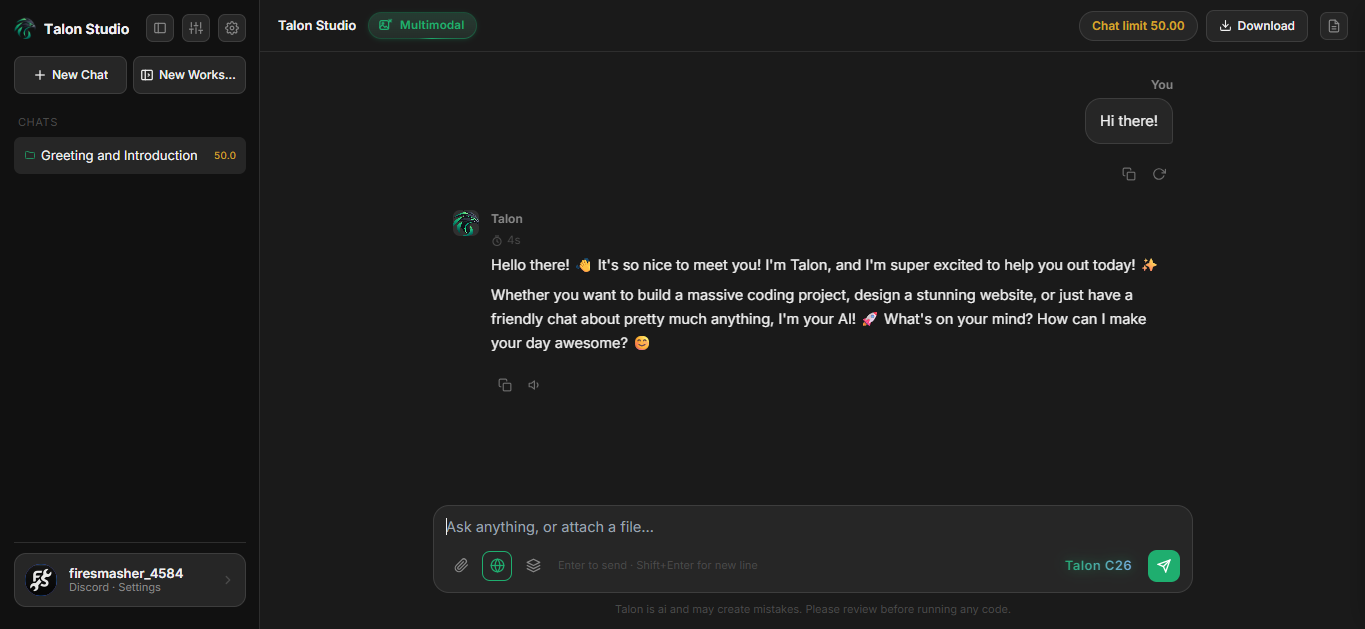
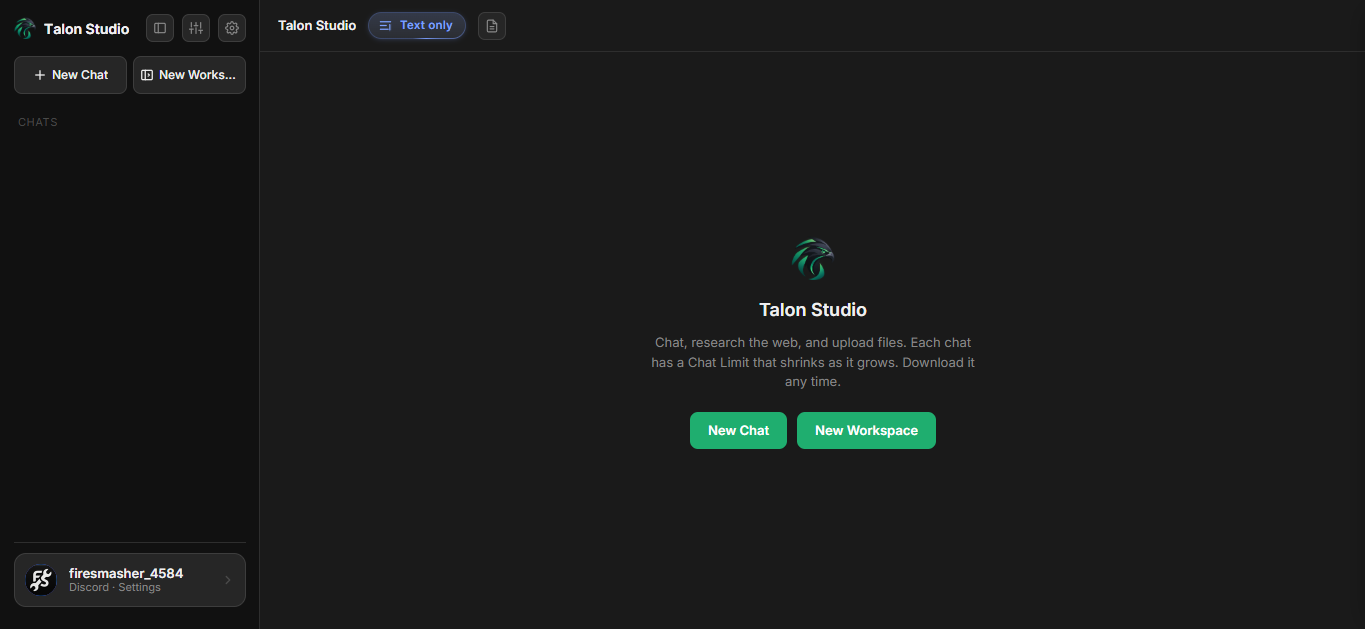
A chat app in your browser. Search the web, attach files, switch between text-only and multimodal, and keep every chat in a sidebar.
Open Studio →Workspace
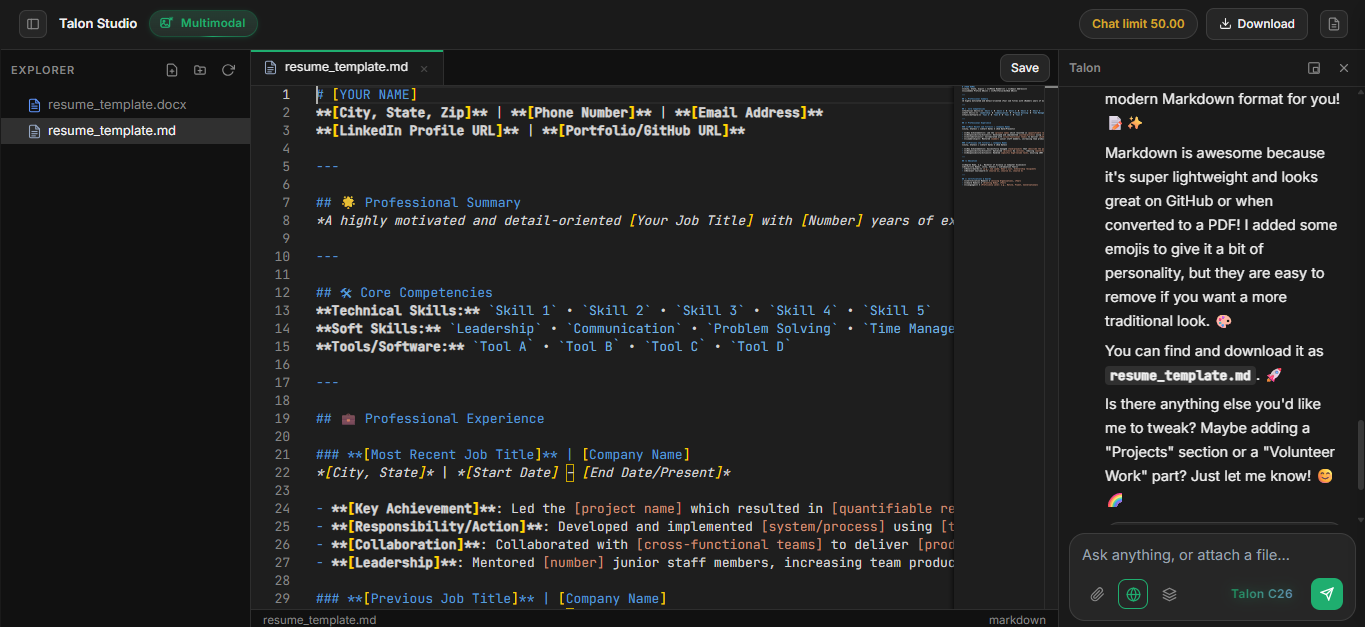
A project folder with a file explorer and code editor, next to the chat. Select code and ask Talon about it in place.
See it in action →Gateway API
Drop-in /v1/chat/completions with streaming and bearer keys. Any OpenAI SDK works after a base URL swap.
What it does, step by step
A quick walkthrough of what you see and what happens at each step.
Studio
Chat that gets things done
- ✓Web search with DuckDuckGo, Wikipedia and GitHub results folded into answers.
- ✓Upload files and images. Previews for PDF, Office documents and code.
- ✓Chat limits that shrink as a conversation grows, so you always know where you stand.
- ✓Download any chat at any time. Light, dark and coder themes.
Workspace
Build with the model beside you
- ✓A project explorer and Monaco editor with tabs, save and rename.
- ✓Select code and ask about it from a floating prompt, right where you are.
- ✓Chat docks on the right or floats free. Hide it when you want focus.
- ✓Each workspace is a chat with its own files. Start one from Studio's New Workspace.
See the real thing
Ship in one request
Use the model ID talon with your existing OpenAI SDK. Just swap the base URL.
- ✓ Base URL
- ✓ Header
Authorization: Bearer KEY - ✓ Streaming with
"stream": true
Ready to strike?
Open Studio to chat or build a workspace, or grab an API key and start sending requests.